

A business can have the right number of employees on paper and still struggle to have the right people available at the right time.
A hotel may need extra coverage during a busy weekend. A restaurant may need different teams across lunch and dinner. A security company may move employees between locations. A construction company may have teams working on different projects.
Employee availability can change just as quickly. For Caribbean businesses, this makes workforce visibility important. HR teams and managers need to know who is working, who is available, who is on leave, and where employees are assigned.
This is where workforce management software can help connect employee information, attendance, scheduling, leave, and reporting in one place.
The goal is simple: give businesses a clearer picture of their workforce so they can respond when employee and operational needs change.
Caribbean Businesses Manage More Than Just Office-Based Teams
Many Caribbean businesses do not operate a standard office schedule. Hospitality businesses may have employees working early in the mornings, evenings, and weekends and at different locations. Retail teams may work according to store hours and customer demand. Security companies may manage employees across multiple sites. Construction teams can move between projects. Healthcare organizations may have different shifts and staffing requirements.
These businesses need to manage more than employee records. They also need to understand daily workforce availability.
A manager may need to know:
- Who is scheduled for today?
- Who is absent?
- Who is on approved leave?
- Which employees are assigned to a location?
- Who is available for another shift?
- What does recent attendance look like?
This is where employee management software can become useful. A centralized employee record can give HR a clearer source for employee information instead of relying on separate spreadsheets and documents.
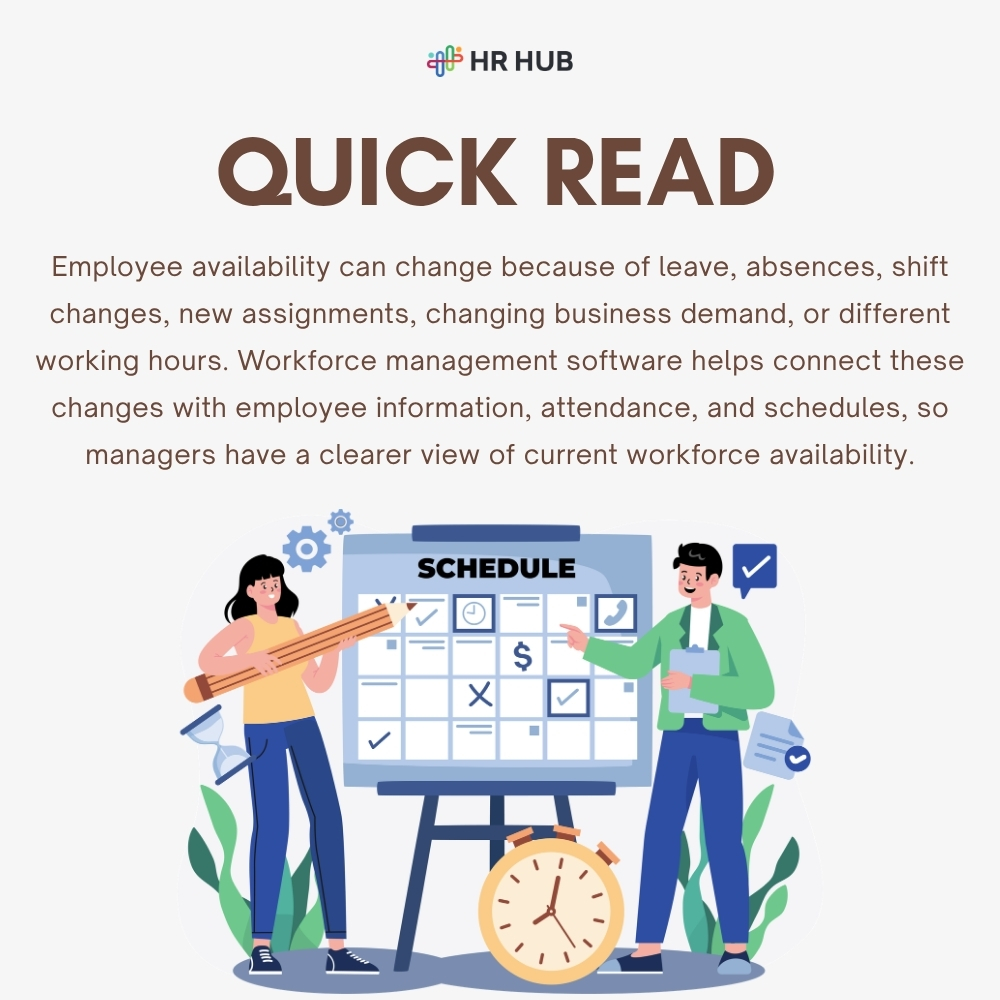
Why Managing a Workforce Becomes Difficult Without Visibility
Consider a company with several departments.
- Employee information is maintained in one file.
- Attendance is recorded somewhere else.
- Managers create schedules separately.
- Leave requests arrive through email.
- Employees ask about schedules through messages.
- Each individual process may work on its own.
The problem starts when they need to work together.
- An employee's approved leave can affect the schedule.
- A shift change can affect expected attendance.
- An absence can create a coverage problem.
- A new assignment can change where an employee is needed.
Without a connected system, HR may have to check several sources before answering a simple question. This is one reason workforce planning software can be useful for Caribbean Businesses. It can help businesses bring employee information, availability, and workforce activity closer together.
The Challenge Is Not Only Workforce Size
A small company can experience workforce management problems, too.
Imagine a business with 40 employees working across different shifts. If several people take leave at the same time, a manager may suddenly need to rethink coverage.
The issue is not necessarily the number of employees. It is whether the business can quickly see the information it needs. As businesses grow, this becomes even more important. A useful workforce system should connect information that affects everyday staffing decisions.
Employee Information
Employee information is the starting point. HR may need access to personal details, employment history, contracts, documents, and other records. Keeping this information organized makes it easier to maintain an accurate employee profile.
Attendance
Schedules show what employees are expected to work. Attendance shows what actually happened. Looking at both can help managers understand patterns such as repeated absences, attendance changes or differences between planned and actual working time.
Shift Scheduling
Different businesses need different working patterns. A hotel may have morning, afternoon, and night teams. A restaurant may need different teams for lunch and dinner coverage. A security company may have rotating assignments. Employee scheduling software can help organize these schedules and make working arrangements easier to manage.
Leave Management
Leav directly affects workforce availability. If several employees from the same team are unavailable, managers need to understand the impact on coverage. Connecting leave information with other workforce information can give managers a clearer view before making staffing decisions.
Reports
Managers often need to understand what is happening without manually combining spreadsheets. Reports can help them review attendance, employee information, and workforce patterns in a more organized way.
How Better Workforce Visibility Supports Daily Decisions
Workforce management is often about answering small questions quickly. A manager may ask:
- Who is available tomorrow?
- Who is scheduled for the morning shift?
- Which employees are on leave?
- Who has been absent recently?
- Which team is assigned to this location?
When the answers are spread across emails, spreadsheets, and messages, the process takes longer. An HR workforce management system can bring relevant information into a connected environment.
It does not mean software makes every staffing decision. The manager still decides what action to take. The difference is that the manager has clearer information to work with.
Creating More Flexible Workforce Operations
Flexibility does not mean changing employee schedules constantly. It means being able to respond when something changes. A business may need to manage:
- Employee leave
- Shift changes
- Absences
- Different working patterns
- Multiple locations
- Changing staffing requirements
- Employee availability
An HR workforce management system can help bring these areas together. For example, if an employee is unavailable, the manager can review the wider workforce picture before making a staffing decision. If a team is consistently short during a particular period, management can review workforce patterns and consider whether scheduling needs to change.
The system provides information. The business decides what to do with it.
Why Employee Scheduling Becomes More Important as Businesses Grow
Creating a schedule for a small team can be straightforward. The challenge increases when there are more employees, departments, shifts, and locations. Consider a business with:
50 employees
4 departments
Multiple shift patterns
Several approved leave requests
A change involving one employee can affect the schedule of others. This is where employee scheduling software can help provide a more structured way to manage shifts and employee availability.
Instead of repeatedly rebuilding schedules from scratch, managers can work with organized employees and scheduling information. For businesses with shift-based operations, this can reduce the amount of information that needs to be gathered manually.
Workforce Planning Is About Looking Ahead
Managing today's schedule is only one part of workforce management. Businesses also need to think about upcoming needs. A manager may want to know:
- Who will be available next week?
- Which employees have planned leave?
- Are certain shifts regularly difficult to cover?
- Do staffing patterns change during particular periods?
This is where workforce planning software can support planning. Current employee information, attendance patterns, schedules, and leave information can help managers see what may need attention. The software does not predict every workforce change. It gives managers information they can use when planning.
One Workforce View Can Help HR and Managers Work Together
HR and managers may look at the workforce from different perspectives. HR may focus on employee records, leave, and attendance. Managers may focus on schedules, assignments, and availability. Employees may need access to their own schedules and relevant HR information.
A connected employee management software platform can help keep these areas linked while giving users access to the information relevant to their role.
This can also reduce duplicate data entry when multiple branch manage employees through the same HR system. When the same employee information is stored in several spreadsheets, even a small change can create inconsistencies.
A centralized record gives HR a clearer place to maintain employee information.
Mobile Access Matters for Employees Away From a Desk
Not every employee works from an office.
A hotel employee may spend most of the day on the property.
A security employee may work at a client's site.
A construction employee may spend the day on a project site.
A mobile workforce needs access to relevant information without always returning to a desktop.
Mobile access can help employees view or interact with HR information according to the capabilities and permissions provided by the system. For businesses with employees spread across locations, this can make workforce communication easier to manage.
What Should Caribbean Businesses Look for in Workforce Management Software?
Before choosing workforce management software, businesses should look at the actual workforce problems they need to solve.
Can HR maintain employee information in one organized place?
Can the business track attendance alongside expected working schedules?
Can managers create and manage different shifts and working patterns?
Can approved leave be viewed when considering employee availability?
Can managers review workforce information without manually combining multiple files?
Can employees access relevant information when they are away from a desktop?
Can employees and managers see only the information relevant to their role?
These questions matter because workforce software should fit the way the business actually operates.
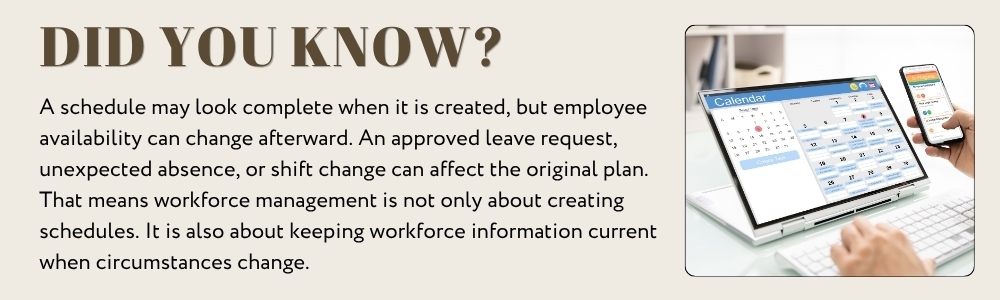
Changing Workforce Needs a Clearer View
Employees need not stay the same every day.
- Leave changes in availability.
- Attendance changes the picture of what actually happened.
- Shift requirements can change.
- Business demand can change.
- New employees joined us.
- Teams move between locations.
For Caribbean businesses, these changes can make workforce administration difficult when information is spread across spreadsheets, messages, and separate systems.
Workforce management software can bring employee information, attendance, scheduling, leave, and reports into a more connected process.
Employee management software can provide a central employee record, while employee scheduling software can help managers organize changing shifts. Workforce planning software can give businesses a clearer view of upcoming staffing needs, and an HR workforce management system can connect these processes for HR and managers.
For Caribbean businesses, the goal is simple:
Know who you have. Know where they are. Know when they are available. Make better workforce decisions from there.
HR HUB PRO brings together employee information, attendance and time, leave management, reports, mobile access and other HR functions in one platform designed for Caribbean businesses.
If your workforce changes faster than your spreadsheets can keep up, it may be time to see what a connected HR platform can do.